 Larovi
Family and tasks
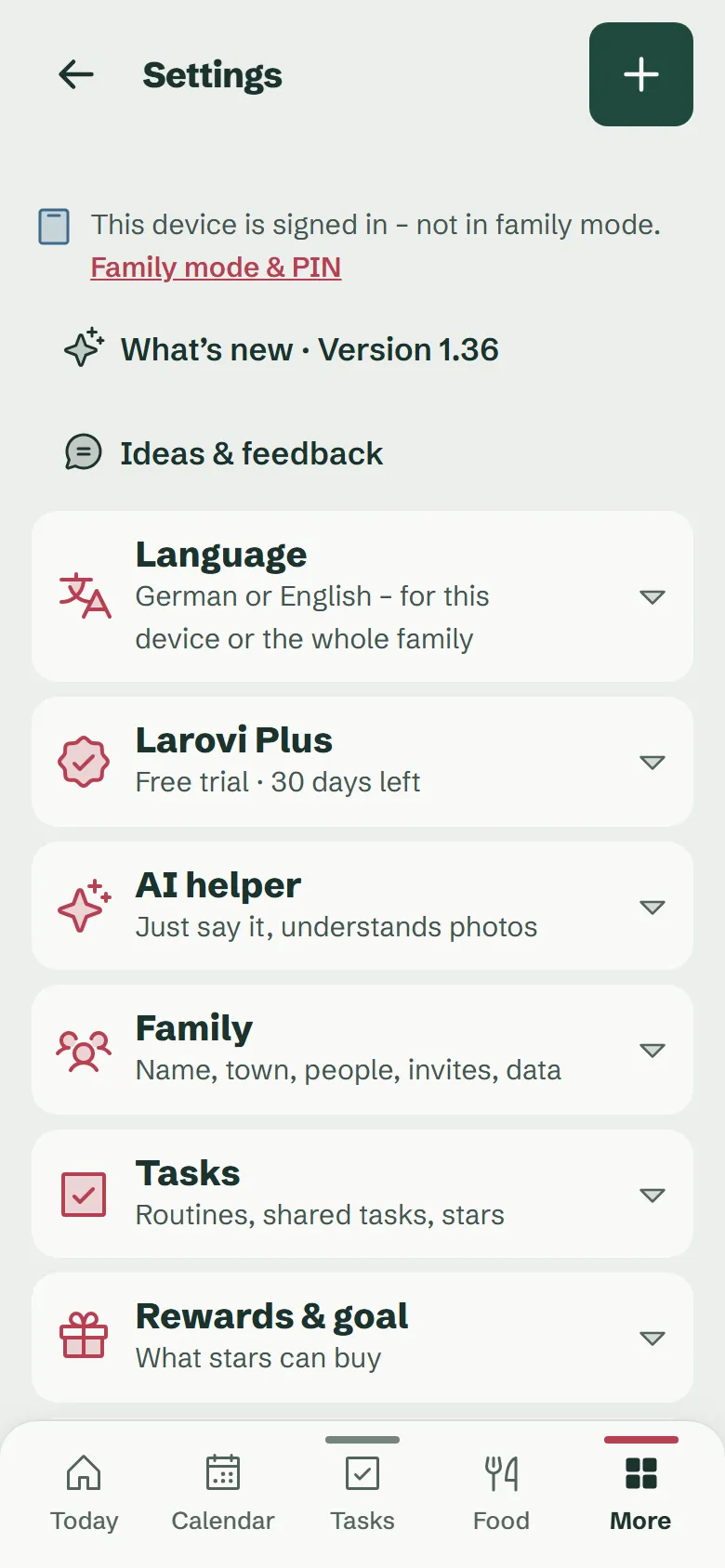
Family
Add people, pick a colour and emoji, invite the second parent, turn a kid into a teen.
Tasks
Routines for morning, afternoon and evening, how often they come up, for whom, how many stars, and whether you approve them first.
Rewards & goal
What stars can buy, what it costs and which family goal you are working towards together.
Shift plans and timetables
Shifts in your own rhythm, school and nursery times for every kid, from a photo if you like (with the AI helper).
Wall display
Family mode and PIN
Pair devices for everyone with a QR code or a six-digit code, with a name, as many as you like. The parent PIN opens the parents’ area on the device for 2 minutes.
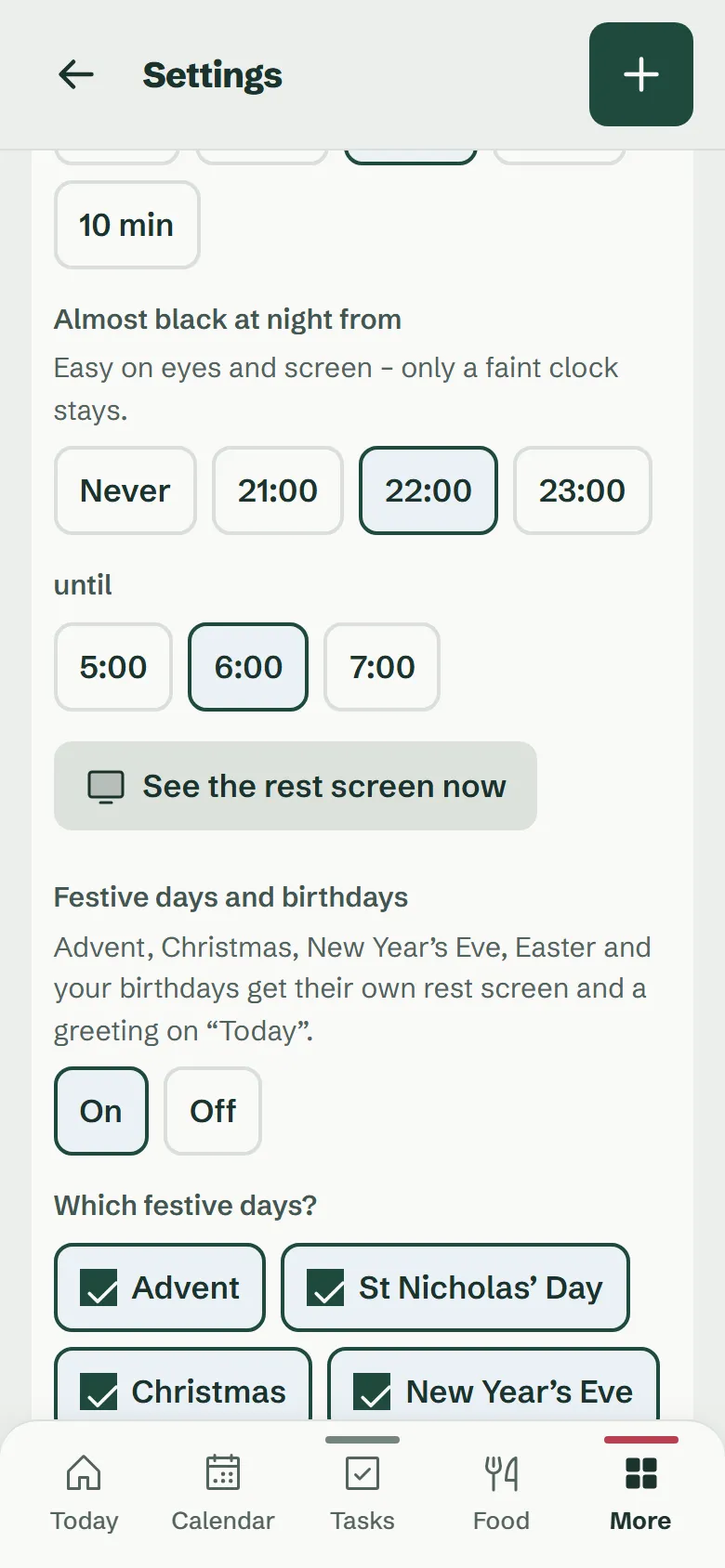
Rest screen
On or off, after how many minutes without a touch it appears, and from when it goes almost black at night (for example 10 pm to 6 am).
Size per device
Text and buttons from 80 to 120 per cent, separately for every device: bigger in the hall, smaller at the kitchen table.
Daylight colours
The colours follow the sun over your home town: strong, subtle or off.
Holidays and birthdays
Their own rest screens for Advent, St Nicholas, Christmas, New Year’s Eve, Easter and your birthdays. Every occasion can be switched on and off.
Chime
A gentle chime for reminders on the wall display, if you like.
Full screen
Hides the bars at the top and bottom on the wall display, lovely for the rest screen.
Reminders and connections
Reminders
When and whom the app reminds, for example the evening before or an hour ahead. At night it stays quiet.
Calendar & bin collection
Bring in Google, Outlook, Apple, school and club calendars via a link, plus the collection days where you live.
Shopping list
One shared list for everyone, on the wall display too. If you like, connect your Bring! list instead.
AI helper
On or off, with a plain explanation of what goes to the AI and what does not.
Name, home town and data
Family
The family name and your home town, for weather and daylight.
Your data
Download everything as a file, delete your own account or the family with all its data.
Larovi Plus
Your status, what belongs to Plus and how much of the free tier is in use, such as “2 of 3 calendars”.
Language
German or English, for one device only or for the whole family.
This device
Shows how Larovi Home gets onto the home screen with its own icon, on Android, iPhone, iPad or PC.