 Larovi
On this page
How do I pin a note?
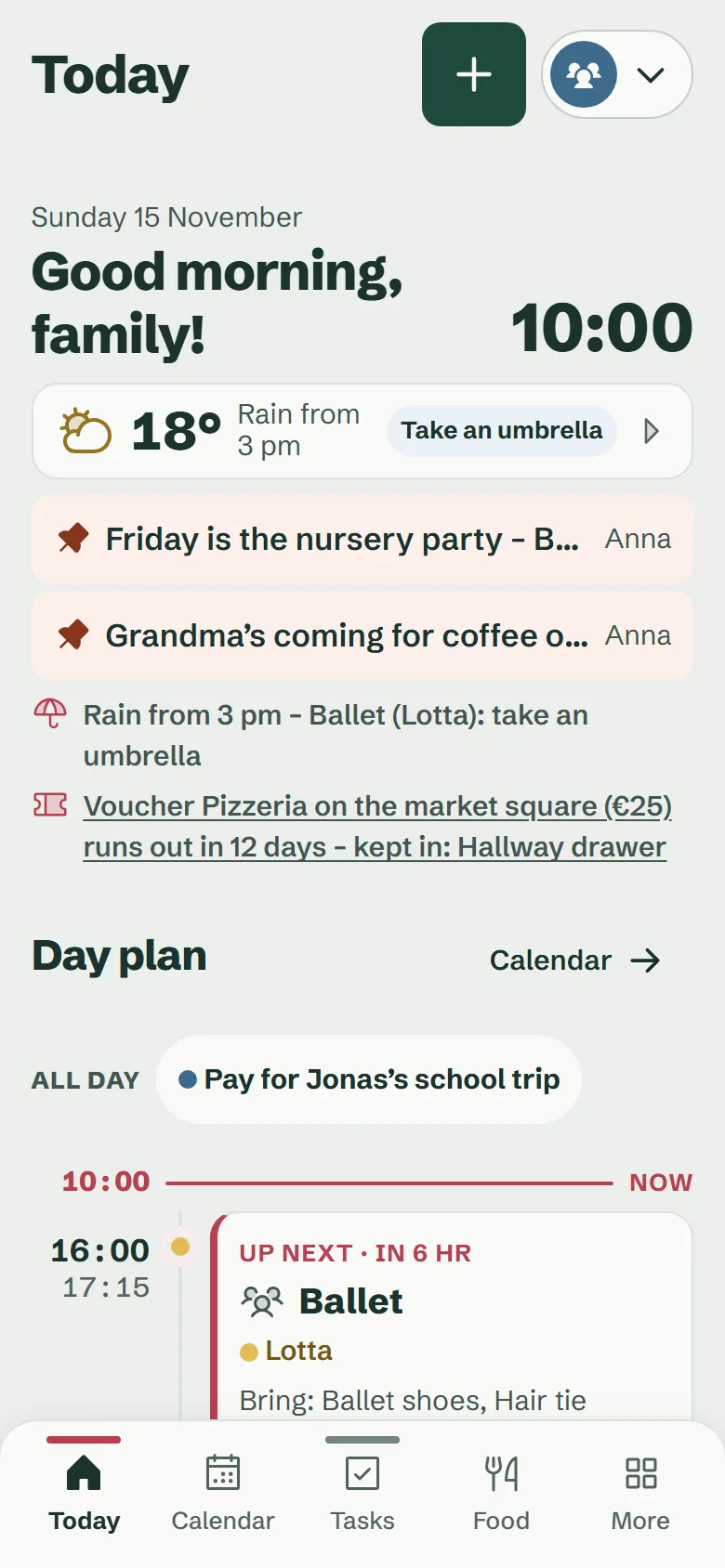
On “Today” you tap “+” and then “Note”. Write a few words, pin it, done. A note holds up to 200 characters.
It works the same way on the wall display, without the parent PIN. So a kid can quickly leave “I’m at Emil’s”.
Where does the family see the notes?
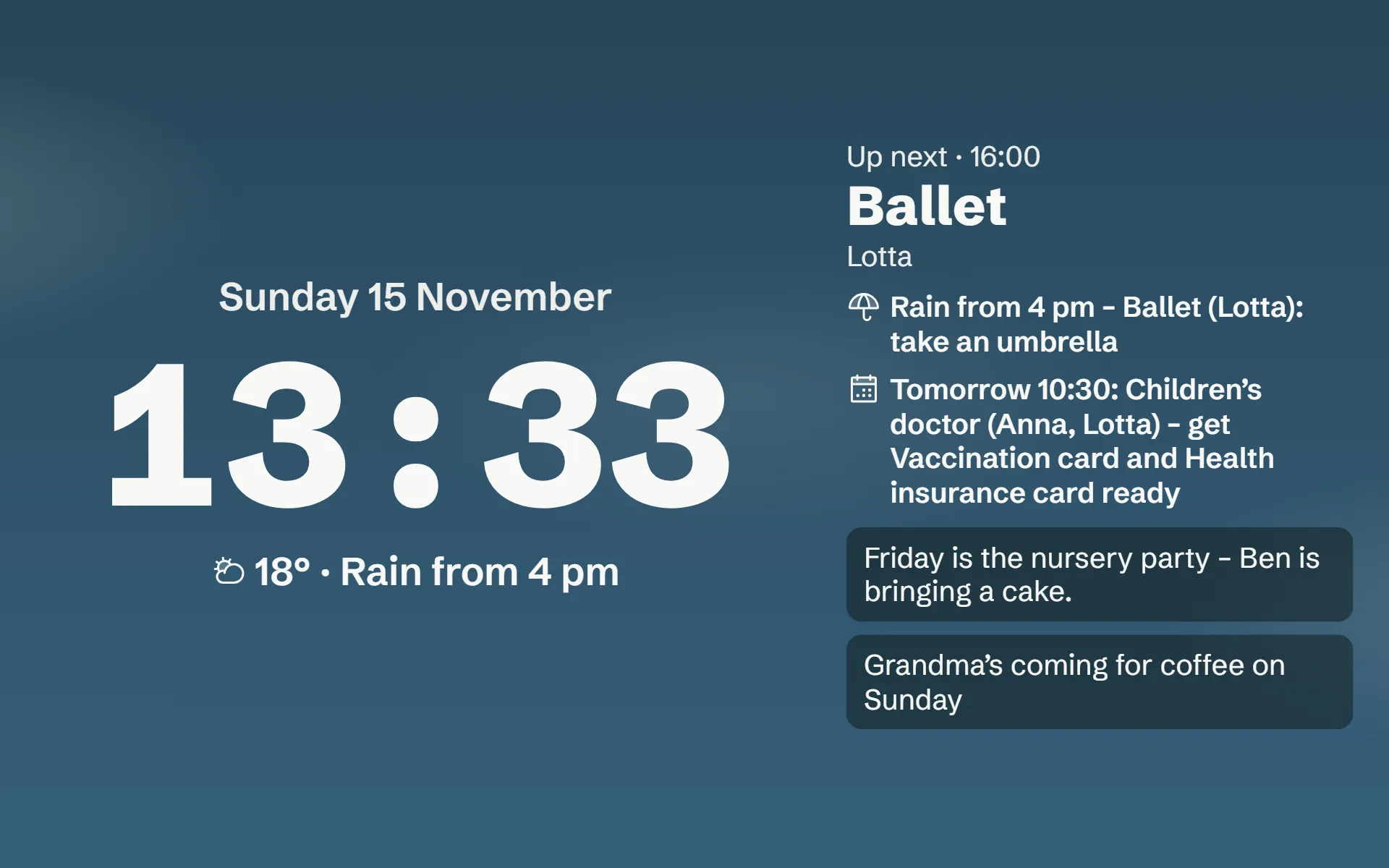
On “Today” in the app and on the wall display. The rest screen shows the first two notes as well, next to the clock and the weather.
Below every note you see who pinned it.
How long does a note stay up?
As long as you like. When you pin it you choose: until someone takes it down, until tomorrow, until Sunday or until a date. After that the note disappears by itself.
Parents, teens and whoever pinned the note can take it down.
Can kids join in without a phone?
Yes. Kids pin their notes on the wall display or on another shared device in family mode. They need no phone or account of their own.
Questions about the pinboard
Is there a pinboard for notes?
Yes. Everyone in the family can pin notes to the pinboard, the kids and the wall display included, for example “Grandma is coming for coffee on Sunday”. Notes show in the app and on the wall display, on the rest screen too, and can take themselves down, say tomorrow or on Sunday. The pinboard is free.
Answer on its own page