 Larovi
On this page
How do the stars work?
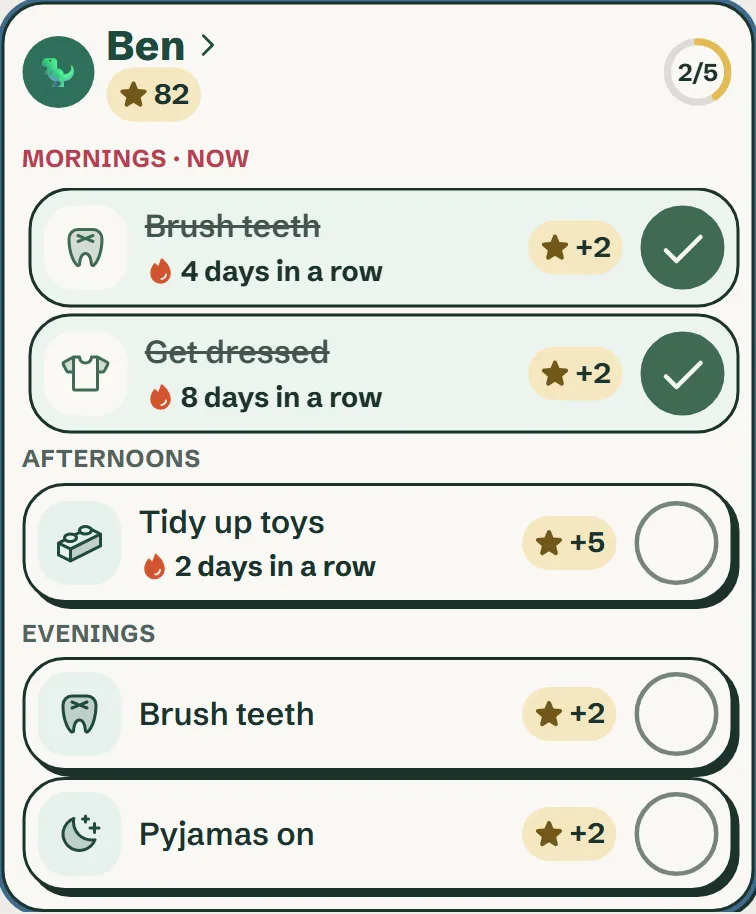
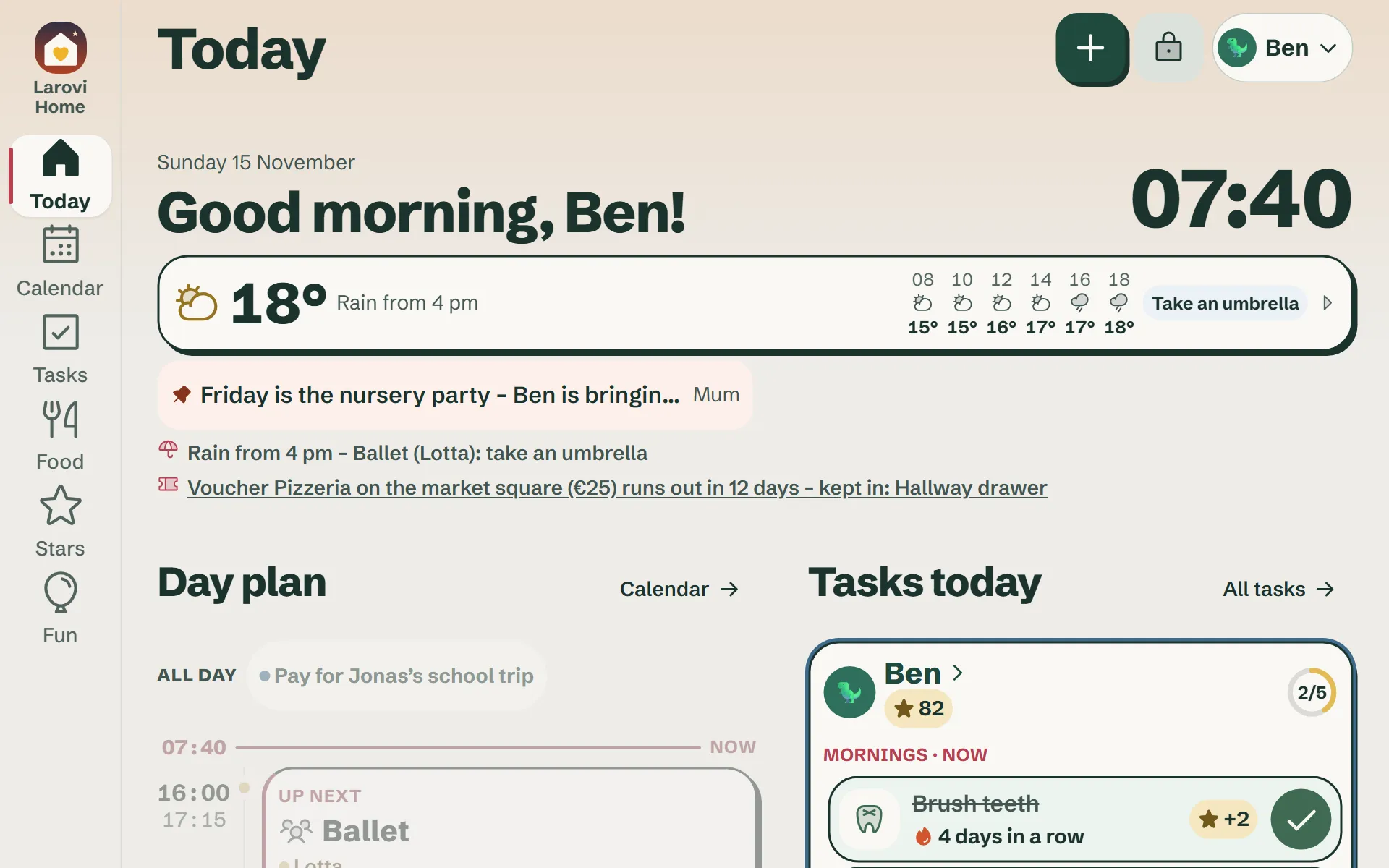
You create tasks such as “Brush teeth”, “Lay the table” or “Bins out” and say how many stars they are worth. Your kid taps the task on the wall display and the star lands in their account.
For tasks you would rather see for yourself, you approve first; you then get a message on your phone.
When you add a task you choose “Once” or “Regular”. An event such as “Practise the flute” can earn stars too.
Who sets the rules?
You as parents – all of them: which tasks there are and for whom, how many stars they bring, how often they come up, at what time of day, whether you approve them, which rewards there are, what they cost and which family goal you are working towards together.
Kids can wish for rewards and add ideas, but cannot change any rules.
From what age does it work?
From about four. Every task has a big picture, so even kids who cannot read yet find their tasks by themselves. The day is split into morning, afternoon and evening.
What are the stars for?
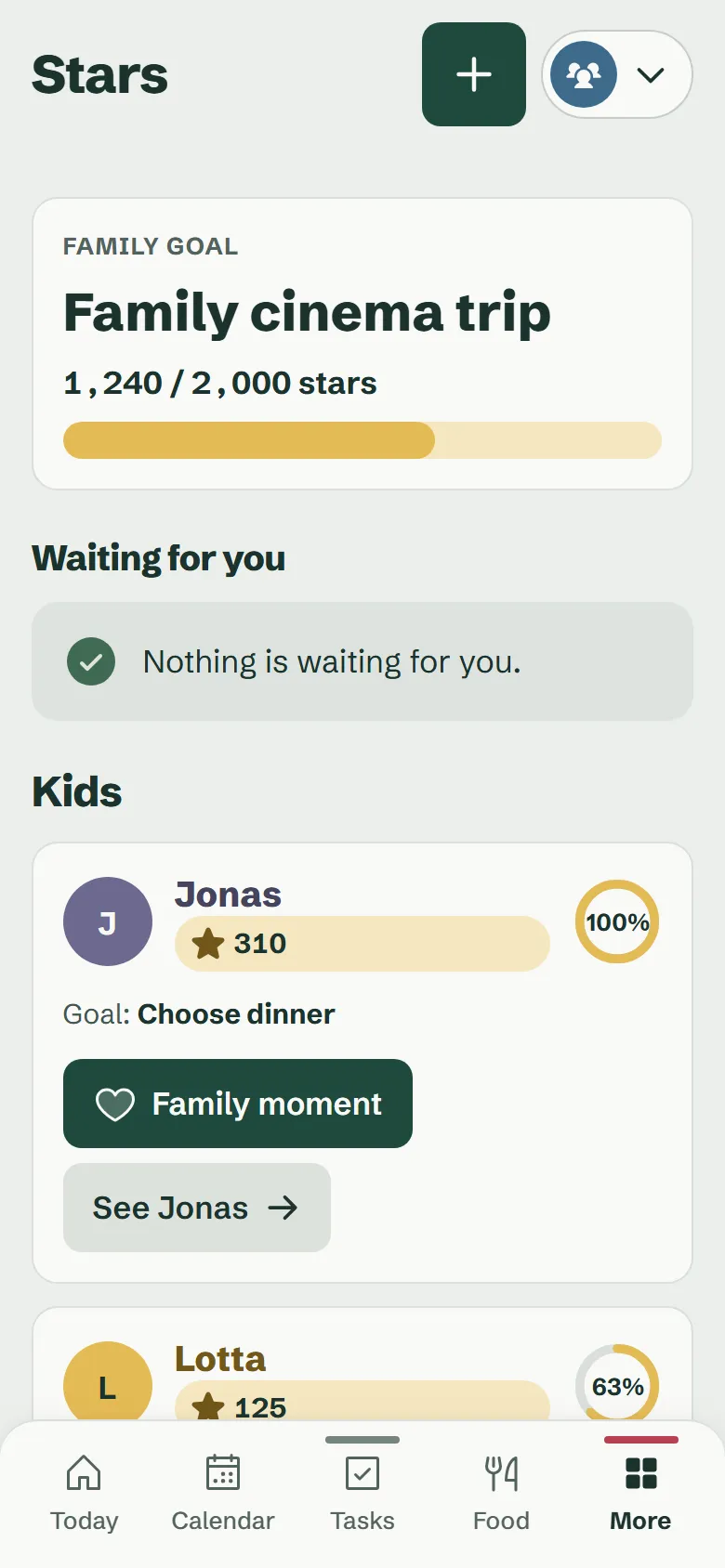
For rewards you set, and for a shared family goal, such as a cinema evening for everyone. Kids wish for a reward on the display, you approve it.
You decide what counts as a reward and how many stars it costs.
Why do parents collect stars too?
Because family work should be visible. When Dad hangs out the washing and Mum packs the lunchboxes, it shows up just like “Tidy your room”.
All stars go towards the same family goal. That makes the mental load a bit more visible, instead of it all sitting in one head.
What if two kids do something together?
Under the finished task you tap “Done together?” and choose who helped. The stars are shared and rounded up: with 5 stars between two, each gets 3.
What keeps them motivated?
- Streaks: “5 days in a row” shows right on the task. Days without that task, like the weekend, do not break anything.
- The last 7 days: each kid’s page shows how the week went.
- Tasks with a rhythm: daily, on certain weekdays, at the weekend, or once a week or month until somebody has done it.
And the teens?
If you like, teens get their own access on their phone, with their own events, tasks, stars and reminders. One tap turns a kid into a teen. Teens also add their own tasks (without stars) and their own timetable.
Questions about kids & stars
Do kids need an account or an email address?
No. You create kid profiles as parents. Kids only use the wall display.
Answer on its own pageCan kids give themselves stars?
No. Stars only come from ticking off their own tasks for today, and for tasks that need approval only after your OK. Nobody can add them for themselves, not even by going around the device.
Answer on its own page