 Larovi
On this page
How do we set up a shift plan?
With “+ → Shift plan”: choose the person, adjust the shifts and their times, pick a rhythm and set “Day 1 is on …”. A preview shows the first six weeks.
Templates: 2 early · 2 late · 2 night · 3 off, weekly early / late and 4 on · 4 off. If none fits, tap your own rhythm together, up to 28 days long. The shifts are called early, late, night and day – change names and times once for the whole plan.
Does the family see my shifts?
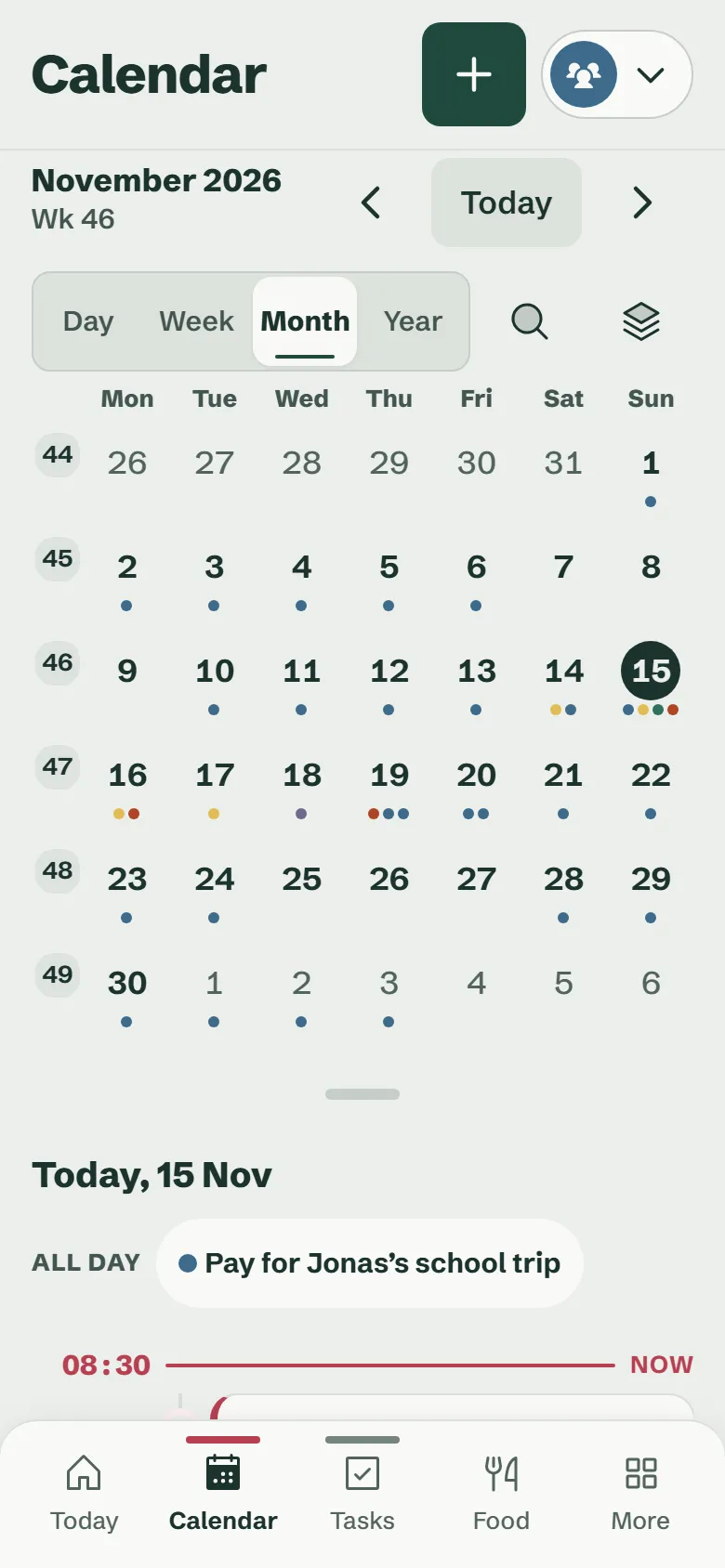
Yes. Every shift sits in the family calendar in your colour, on the wall display too. Choose a person at the top to see only their shifts and events.
So when planning you see straight away whether Dad is on lates during parents’ evening – and who takes the kid to training.
What if I swap a shift, am off sick or on holiday?
Tap the shift in the calendar and change just that day: another shift, off or holiday. The rhythm simply carries on afterwards.
Swapped days show what the rhythm would have said. If the plan changes for good, end it from a certain day and set up a new one.
Does it work when both parents do shift work?
Yes. Every person gets their own shift plan with their own rhythm. In the calendar both sit side by side, each in their colour.
Questions about the shift plan
How do I share my shift plan with my partner?
Set up the shift plan once in Larovi Home. It then sits in the shared family calendar – your partner sees every shift on their phone and on the wall display, without you sending anything.
Answer on its own pageCan I set up a rhythm like 2-2-2-3?
Yes. “2 early · 2 late · 2 night · 3 off” is a template, along with “weekly early / late” and “4 on · 4 off”. Tap any other rhythm of up to 28 days together yourself.
Answer on its own pageDoes the shift plan cost anything?
No. Shift plans are part of the free calendar, for several people in the family too.
Answer on its own page